
Guide: setting up and using the clock-in station
The clock-in station is a small unit, 9 by 5 cm and under 1 cm thick, that goes up by the entrance. Choose the spot, stick it or screw it on, and test it with one tap.
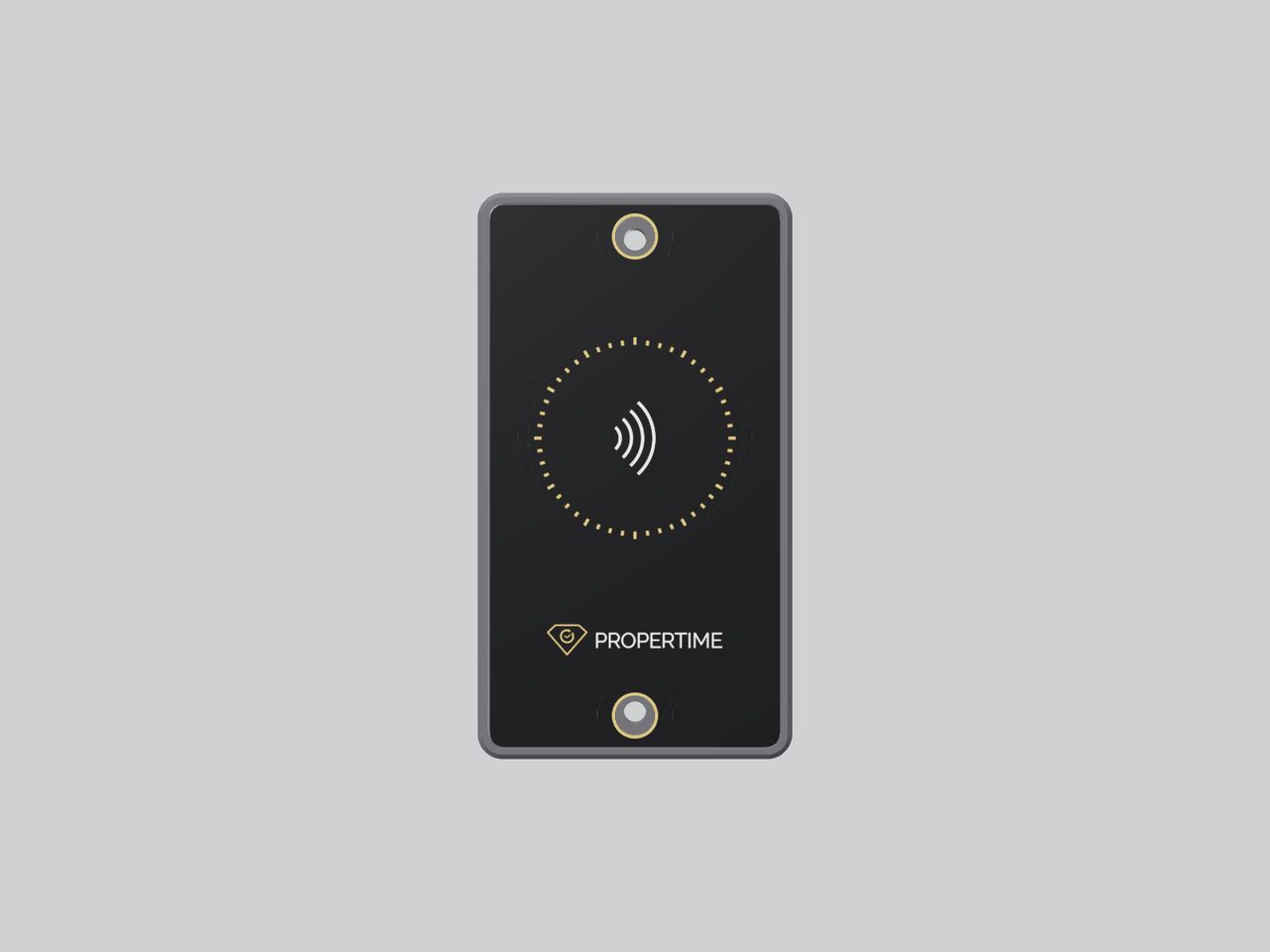
1. Choose the spot
- Height: About 120 cm from the floor.
- Location: By the entrance, where every employee passes on the way in and on the way out.
- Protection: Away from direct sun and rain.
2. Stick it or screw it on
Sticking suits a smooth painted wall, tiles, glass and metal. Clean the surface, peel the backing off the strong 3M adhesive pad, and press the station into place.
Screwing suits a rough wall and concrete. Drill two holes with a 5 mm bit, insert wall plugs, and fix the station with two screws.
3. Check that everything works
- Log in to ProperTime and check that the station appears in the list.
- Choose who can clock in there: everyone, selected employees or units, or no one.
- Tap the station with your phone, and check that the clock-in shows up in the attendance reports.
How employees clock in
The employee taps their phone on the station when they arrive and when they leave.
- The first time: The employee logs in with their ProperTime username and password. After that, the phone remembers them.
- On Android: Turn NFC on in the settings. On up-to-date phones a tap just works; on other phones, clock in at the station through the ProperTime app.
- On iPhone: It just works.
- One tap: One tap is one clock-in. There is no need to tap again to make sure.
Every tap is verified on ProperTime's servers, and the clock-ins go into the attendance reports just like clock-ins at a time clock.
FAQ
Does the station need power or batteries?
No. The station needs no power, batteries or wiring. Stick it or screw it on, and it is ready.
An employee taps the station and nothing happens. What should we check?
On Android, check that NFC is turned on in the settings. If it is on and still nothing happens, clock in at the station through the ProperTime app. On iPhone, it just works. If it is the first tap, the employee needs to log in with their ProperTime username and password.